What we want to create

Cosa vogliamo creare

In this example we create a simple Easter greeting card using ChatGPT together with Adobe Express. The goal is to start from a natural language request, select a template, change the main text, and obtain a final graphic ready to refine.

In questo esempio creiamo un semplice biglietto di auguri di Pasqua usando ChatGPT insieme ad Adobe Express. L’obiettivo è partire da una richiesta in linguaggio naturale, selezionare un template, cambiare il testo principale e ottenere una grafica finale pronta da rifinire.

Enable Adobe Express in ChatGPT

Attiviamo Adobe Express in ChatGPT

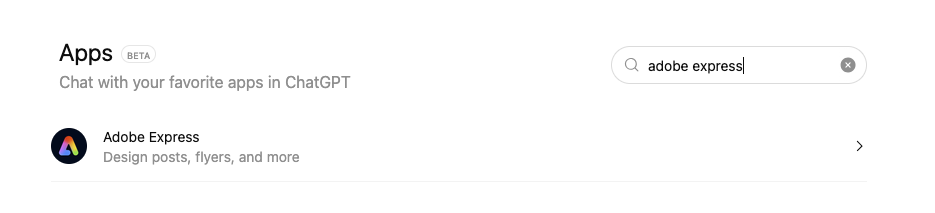
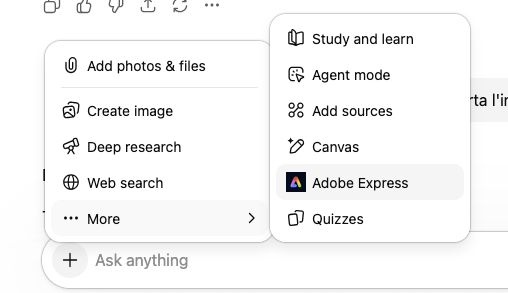
The first part of the process is enabling Adobe Express inside ChatGPT. From the chat input area, open the tools menu, choose the apps section, and search for Adobe Express.
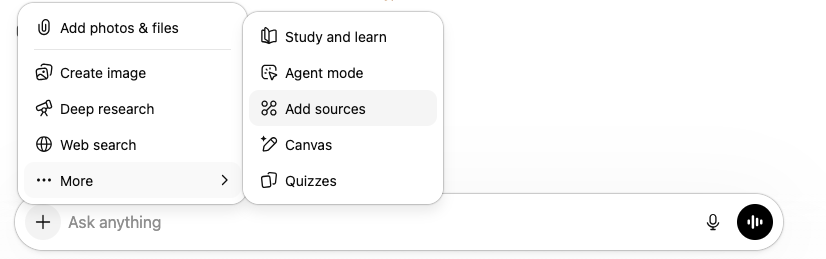
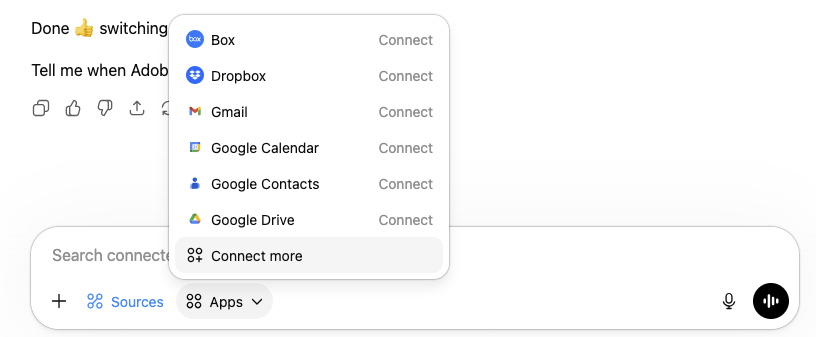
La prima parte del processo consiste nell’attivare Adobe Express dentro ChatGPT. Dall’area di input della chat, apri il menu degli strumenti, entra nella sezione delle app e cerca Adobe Express.

Tools menu in ChatGPT

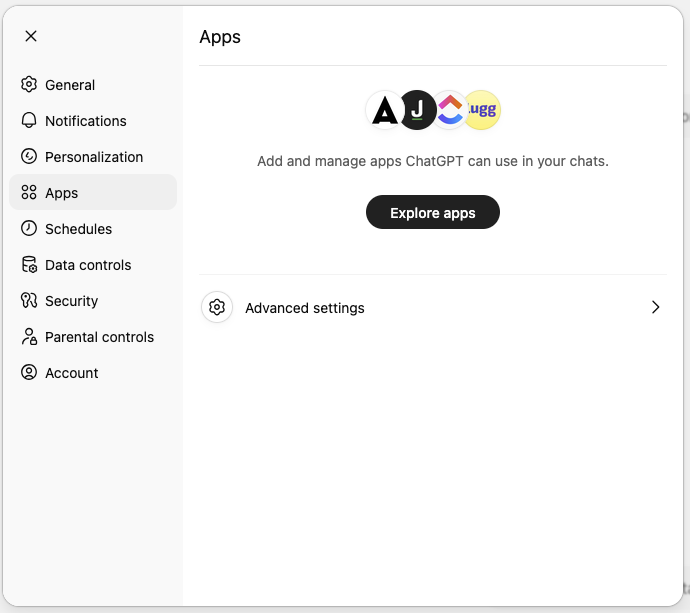
Connect more from the apps list

Apps settings page

Search for Adobe Express in apps


Open the Adobe Express app page

Apriamo la pagina dell’app Adobe Express

Once Adobe Express appears in the apps list, open its page. At this point ChatGPT shows the Adobe Express app screen with a Connect button and a short description of what the app can do.
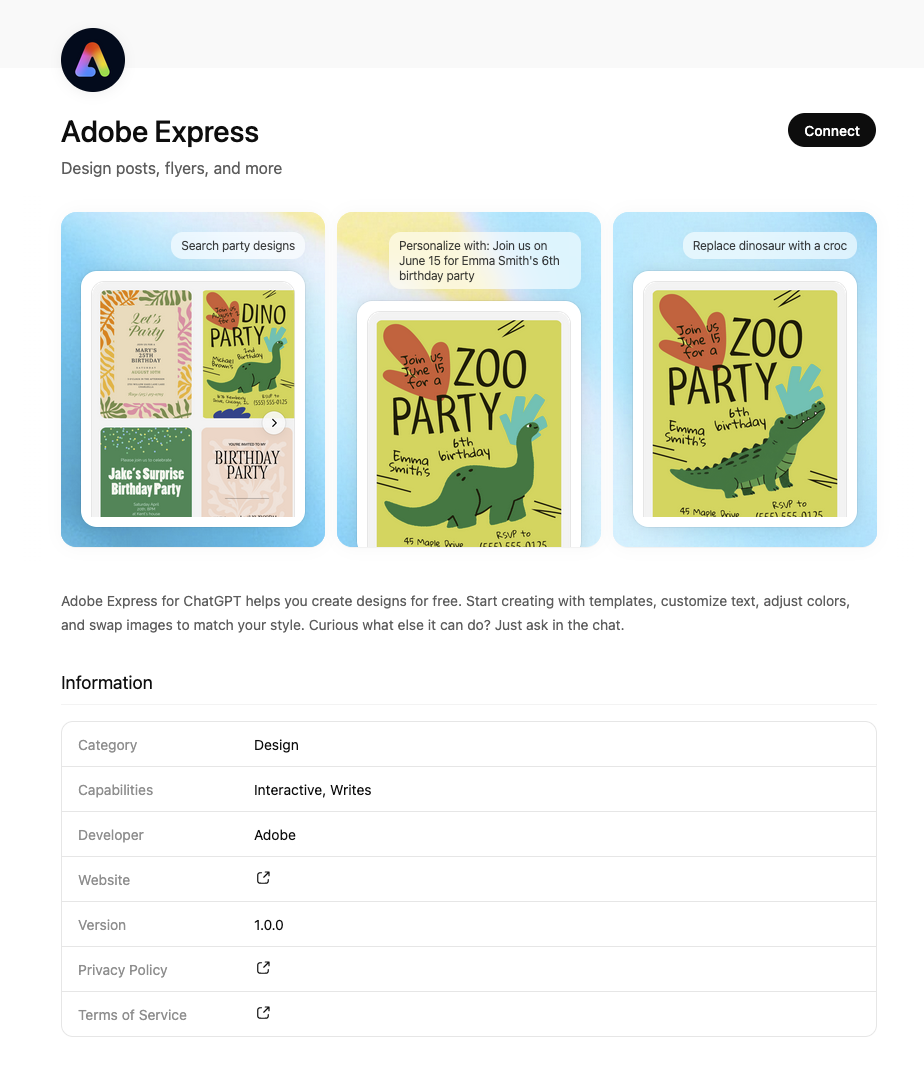
Una volta che Adobe Express appare nell’elenco delle app, apri la sua pagina. A questo punto ChatGPT mostra la schermata dell’app Adobe Express con il pulsante Connect e una breve descrizione di ciò che l’app può fare.

Adobe Express app page with Connect button


Confirm the connection

Confermiamo il collegamento

ChatGPT then asks for confirmation before connecting the app. After accepting the connection, Adobe Express becomes available directly inside the chat and can be used in the conversation workflow.
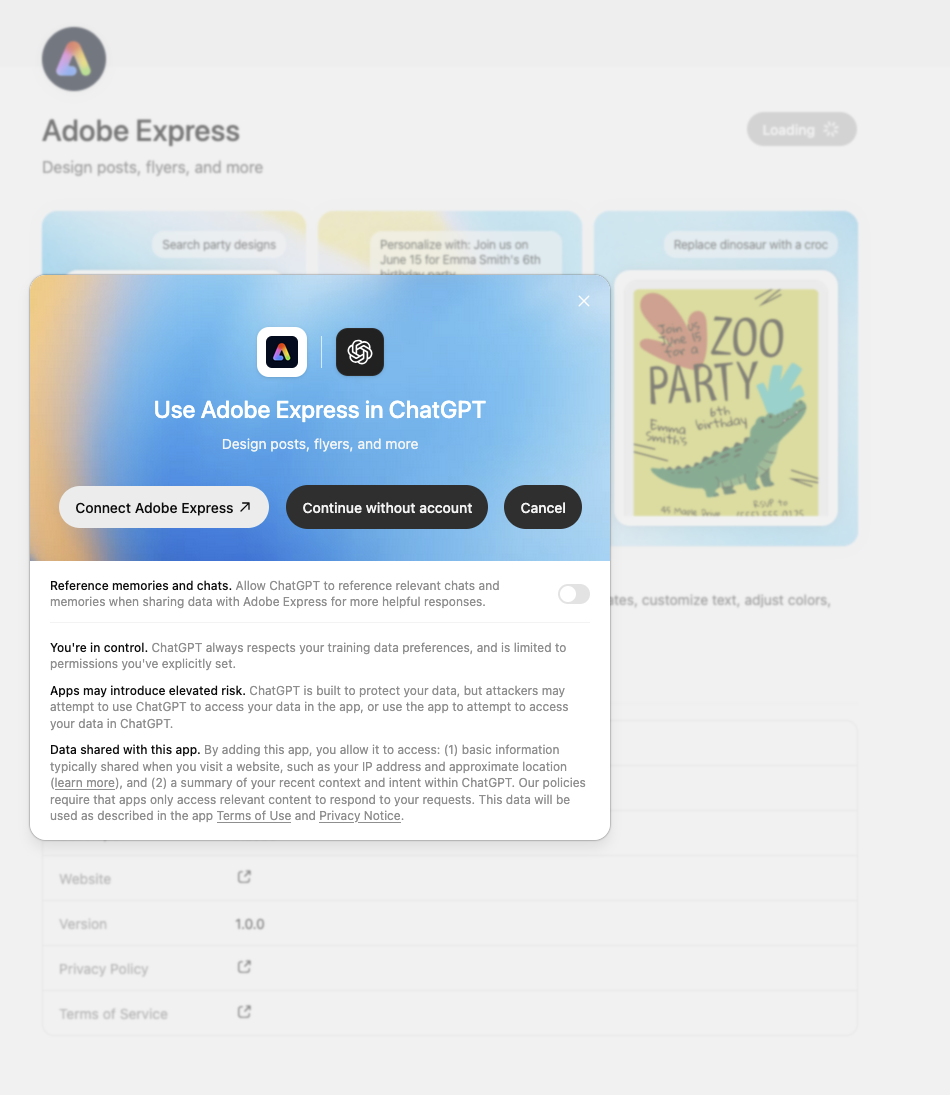
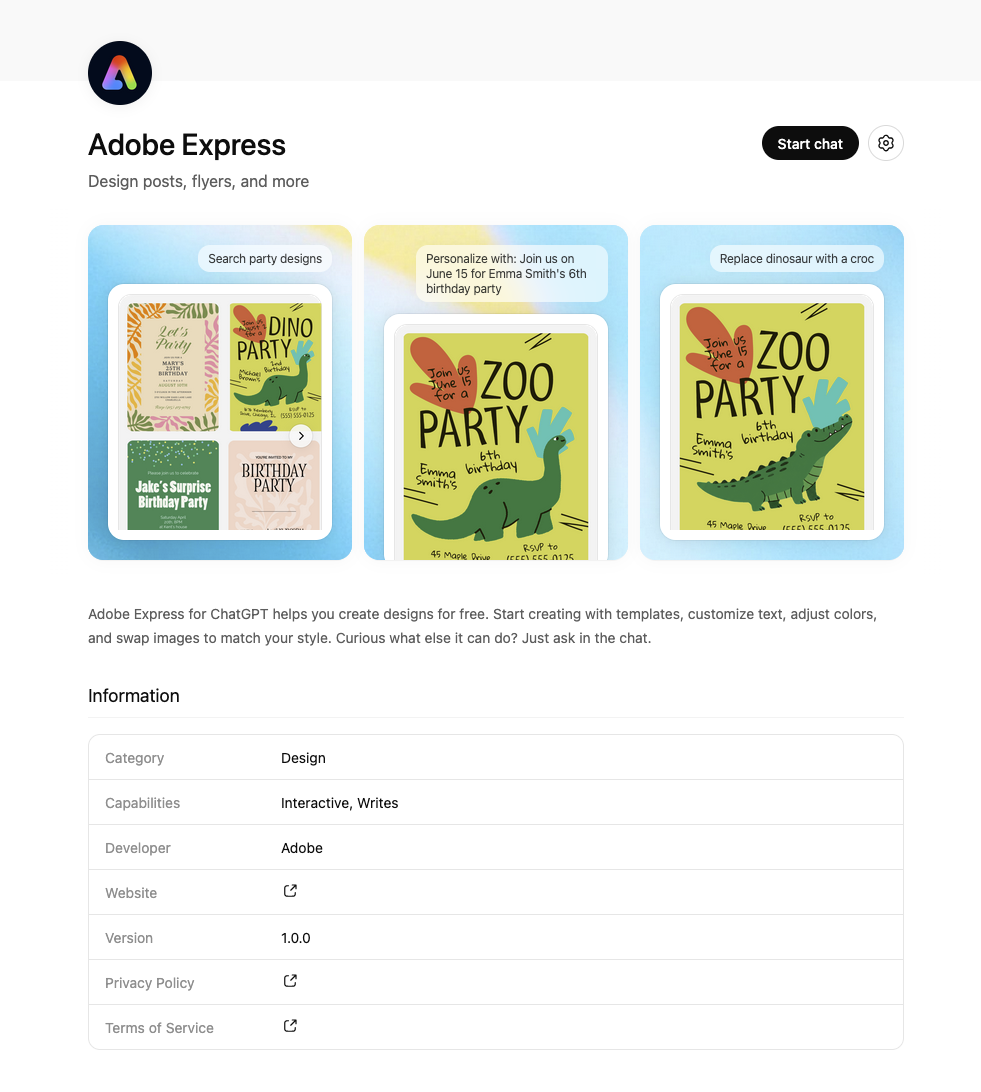
ChatGPT chiede quindi una conferma prima di collegare l’app. Dopo aver accettato il collegamento, Adobe Express diventa disponibile direttamente dentro la chat e può essere usato nel flusso della conversazione.

Adobe Express connection dialog

Adobe Express page after connection

Adobe Express available in the tools menu

Adobe Express enabled in the prompt area


Ask for the first card

Chiediamo il primo biglietto

Now we can use a very simple prompt:

Ora possiamo usare un prompt molto semplice:

Prompt used

Prompt utilizzato

Create a modern and colorful Easter greeting card

Create a modern and colorful Easter greeting card

This is enough to make ChatGPT use Adobe Express and return a gallery of Easter-themed designs. We do not need to describe every detail at the beginning. A broad prompt is enough to get a useful starting point.

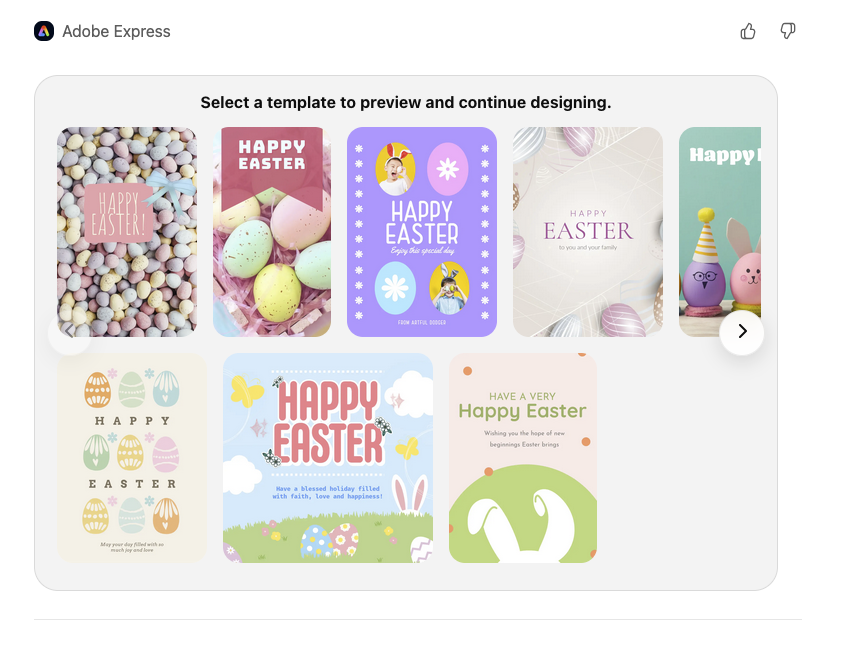
Questo basta per far usare Adobe Express a ChatGPT e ottenere una galleria di design a tema pasquale. Non dobbiamo descrivere ogni dettaglio all’inizio. Un prompt generico è sufficiente per ottenere un buon punto di partenza.

First prompt with Adobe Express enabled

Template gallery generated by Adobe Express


Select the most suitable template

Selezioniamo il template più adatto

Among the generated options, we choose a clean pastel card with illustrated Easter eggs. It already has the right mood for a greeting card and needs only a small text adjustment.
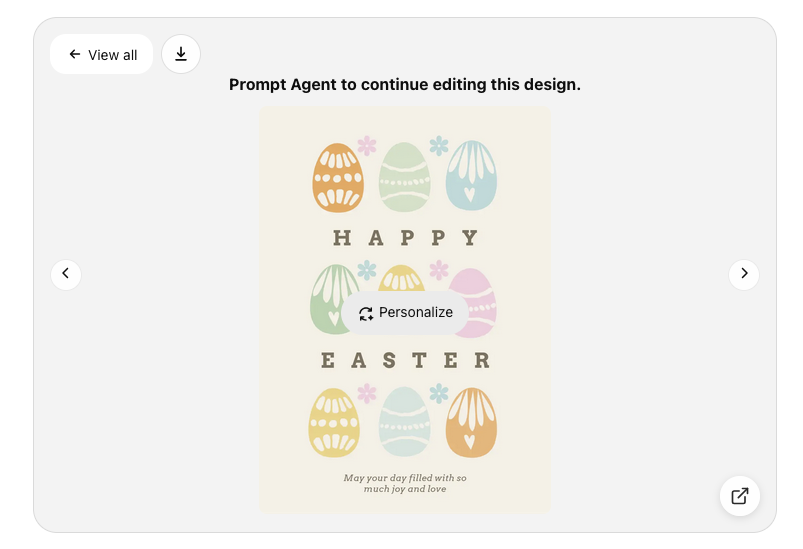
Tra le opzioni generate, scegliamo un biglietto pulito dai colori pastello con uova pasquali illustrate. Ha già l’atmosfera giusta per un biglietto di auguri e richiede solo una piccola modifica al testo.

Selected template with personalize action


Change the main text

Cambiamo il testo principale

Once the template is selected, we can refine it with another natural language instruction.

Una volta selezionato il template, possiamo rifinirlo con un’altra istruzione in linguaggio naturale.

Prompt used

Prompt utilizzato

Change the text to the traditional “Happy Easter!”

Change the text to the traditional "Happy Easter!"

ChatGPT updates the card while keeping the original graphic structure. This is one of the most useful parts of the workflow: the content changes quickly, without rebuilding the design from scratch.

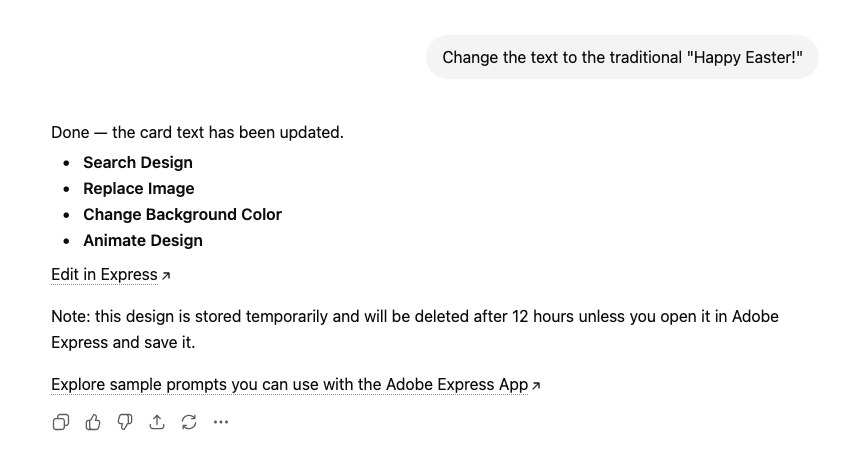
ChatGPT aggiorna il biglietto mantenendo la struttura grafica originale. Questa è una delle parti più utili del flusso: il contenuto cambia rapidamente, senza ricostruire il design da zero.

Prompt to change the card text

ChatGPT response with Edit in Express link


Review the final result

Controlliamo il risultato finale

The resulting card keeps the soft pastel style and the illustrated eggs, but now uses a traditional Easter greeting. At this point the design is already usable as a seasonal card, a blog example, or a quick social graphic.

Il biglietto ottenuto mantiene lo stile pastello morbido e le uova illustrate, ma ora usa un augurio pasquale tradizionale. A questo punto il design è già utilizzabile come biglietto stagionale, esempio per un blog o grafica social veloce.

If needed, we can continue inside Adobe Express to move elements, adjust colors, or export the final file.
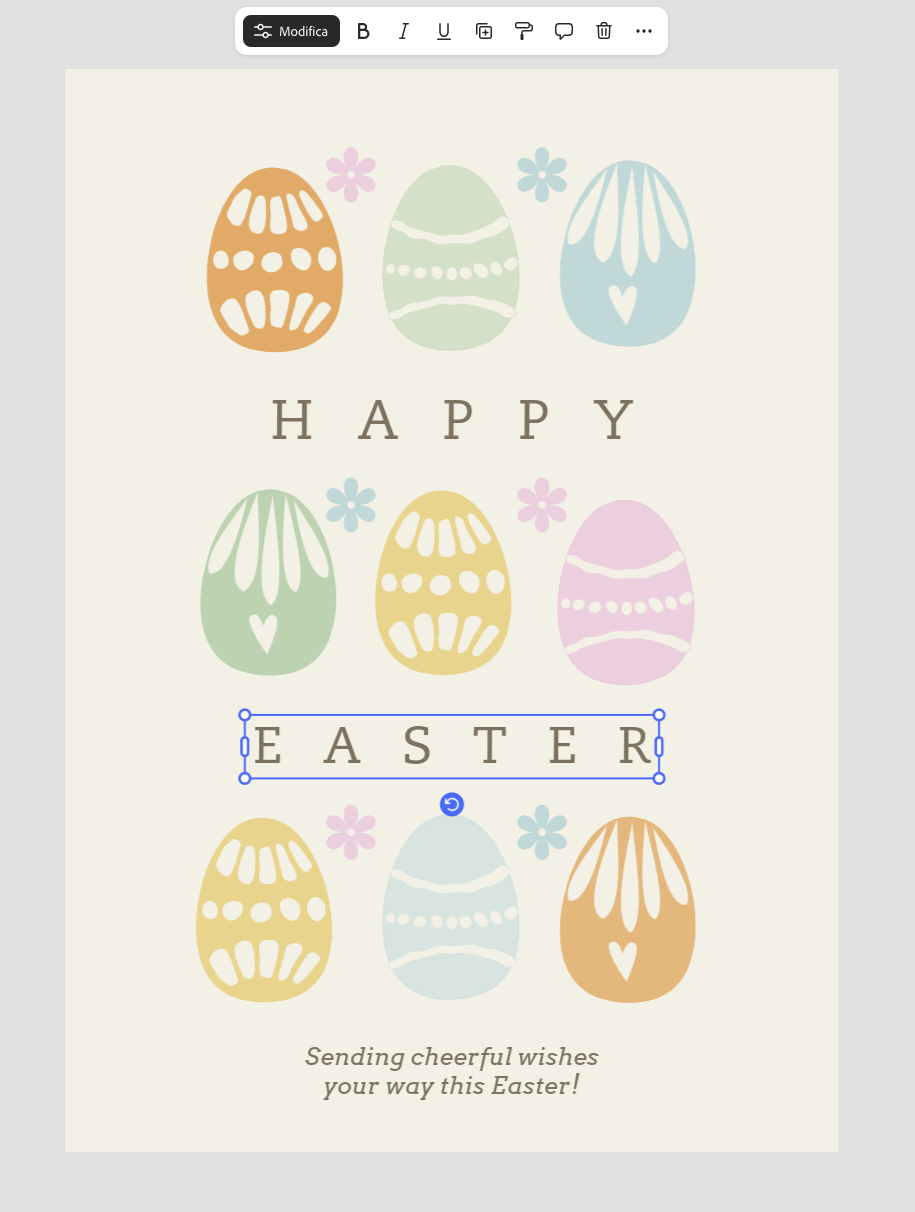
Se necessario, possiamo continuare dentro Adobe Express per spostare elementi, regolare i colori o esportare il file finale.

Final card opened in the editor


Final notes

Considerazioni finali

This workflow is interesting because it reduces the effort needed to start from a blank page. We begin with a simple request, choose a template, change the text, and quickly arrive at a usable visual result.

Questo flusso è interessante perché riduce lo sforzo necessario per partire da una pagina bianca. Iniziamo con una richiesta semplice, scegliamo un template, cambiamo il testo e arriviamo rapidamente a un risultato visivo utilizzabile.

For quick projects such as greeting cards, invitations, and simple social posts, ChatGPT and Adobe Express can be a very fast combination.

Per progetti rapidi come biglietti augurali, inviti e semplici post social, ChatGPT e Adobe Express possono essere una combinazione molto veloce.